Azure Subscription cannot be just deleted. They go trough different states. Although you might have taken all necessary to secure your Azure tenant sometimes mistakes happen or your environment might be compromised by bad actors. The first step of removing Azure Subscription is to cancel it. That is critical action that you may want to monitor although you should have in place other ways to monitor resources that will signal that they are not available. In any case additional alert that this action was done could be useful information to be alerted upon. In this blog posts we will take a look how we can do that by using Azure Monitor. The deployment of the Azure Monitor resource will be done via Azure Bicep.
Tag: Log Alerts
Understanding Azure Resource Health for Log Alerts
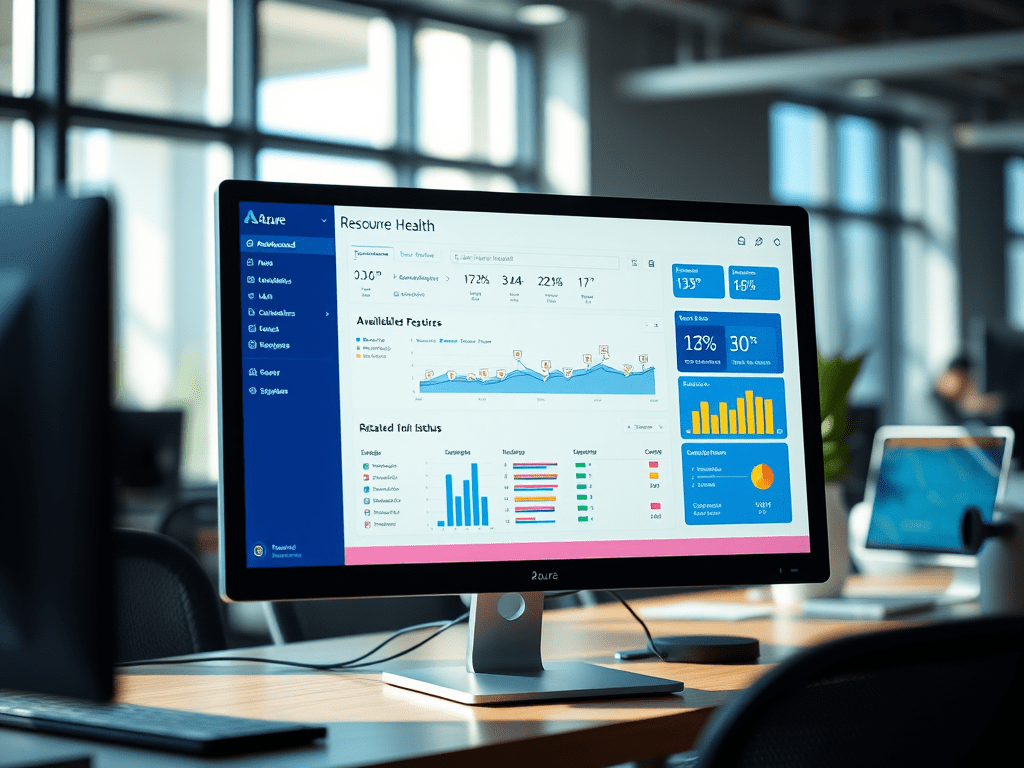
Azure Resource Health is Azure Monitor feature to track the overall health of different Azure services. It is particularly handy for PaaS and SaaS type of services as those usually get at most metrics and diagnostic logs that you can use to monitor them. The feature is on by default and it is supported by many resource types. For each resource type there are certain checks that are made on intervals and if any of those checks fails resource health will mark the resource as unavailable. These changes in the resource health are logged as Azure Activity log events. In order to monitor for these changes you can use Resource Health alerts which underneath are alerts monitoring for activity log events scoped to Resource Health category events. Recently Azure Monitor introduced support for resource health on Log Alerts. Log alerts use Kusto query language to monitor based on data from Log Analytics workspace. Due to the rich Kusto query language capabilities there is the possibility of providing incorrect query and saving the alert rule without knowing that it will stop working. This is where Resource Health for Log alerts comes in as it will signal you that there is something wrong with your alert rule. There are of course other checks made related to permissions and networking that will also be signal by Resource Health for your Log Alerts. So enabling Resource Health alerts to notify you on problems with your Log Alerts is something you should do in your environment. The purpose of the blog post is to show you how resource health works and hopefully to enable resource health alerts for your Log Alerts. Overall I would strongly advise you to enable it for all supported resources as it does not introduce additional cost.