System Center 2012 R2 VHDs Download

Besides downloading ISO files you can also try System Center 2012 R2 by directly downloading VHDs that offer installed Windows Server 2012 R2 and instructions on how to enable System Center 2012 R2. Here is the full download list:

Note: The download requires registration.

Note: Links are now working.
Install All System Center 2012 R2 Preview Components and Windows Azure Pack Preview (Part 4 Orchestrator and Service Management Automation)

All Posts:


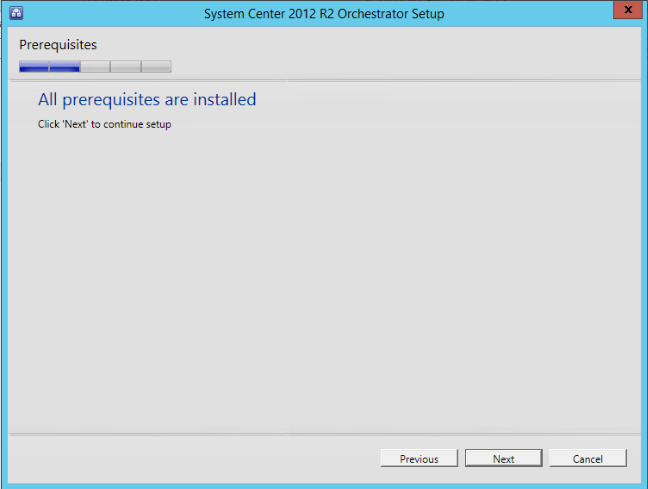
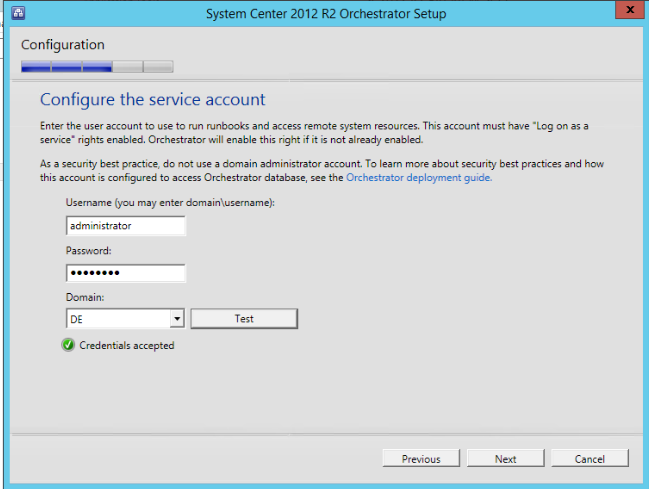
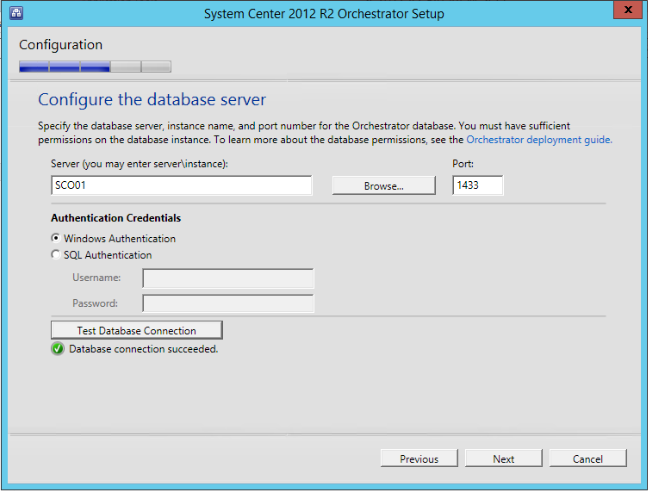
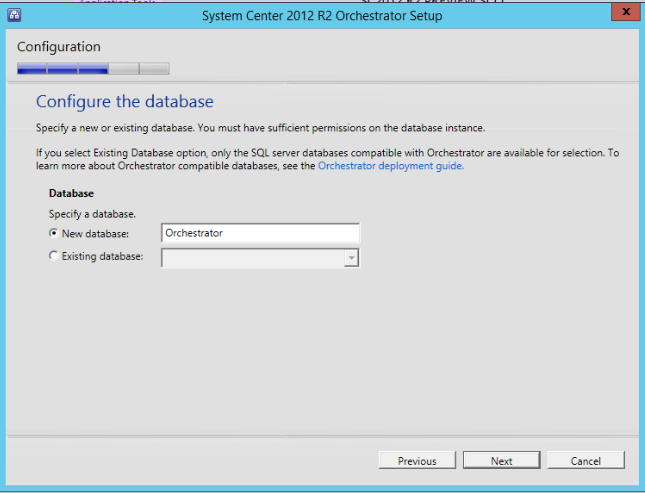
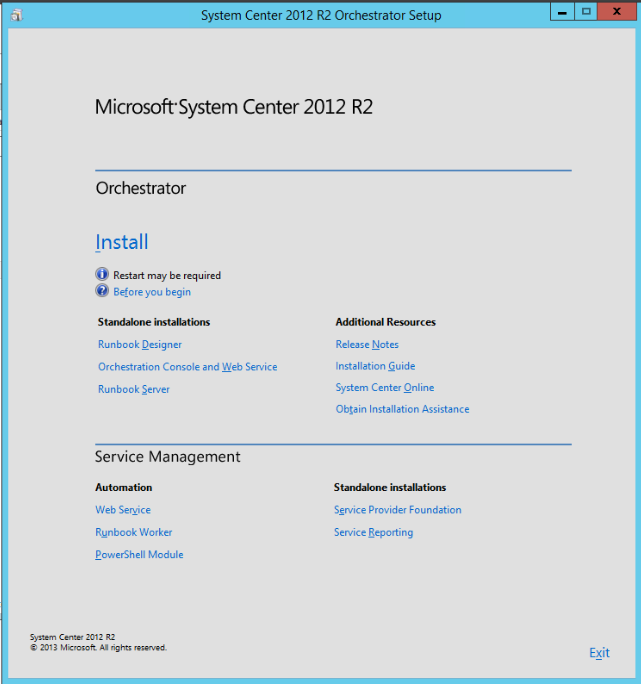
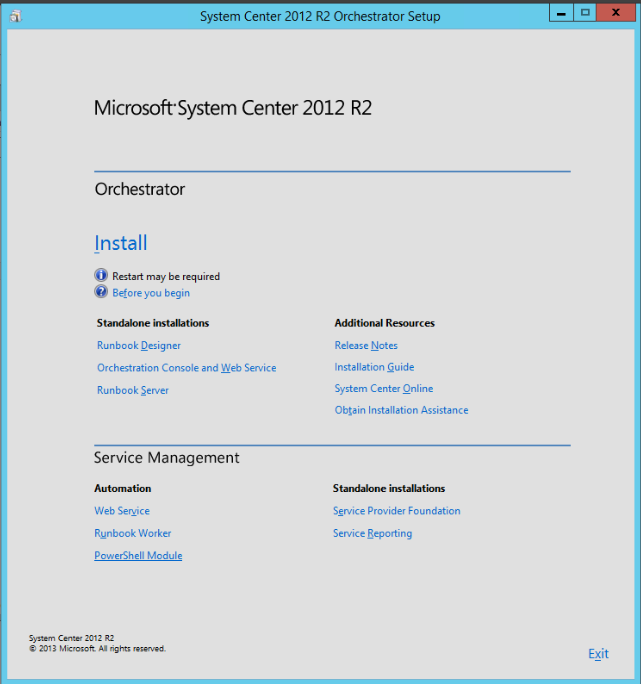
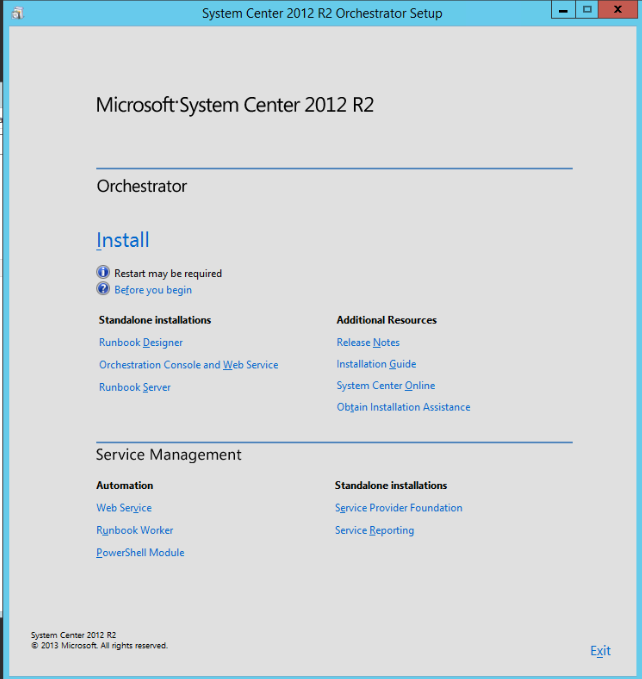
In Part 4 we will cover the installation experience of Orchestrator and Service Management Automation. SMA is a new role in Orchestrator that allows you to execute PowerShell workflows of all PowerShell modules. Certainly a role that we have to discover more.

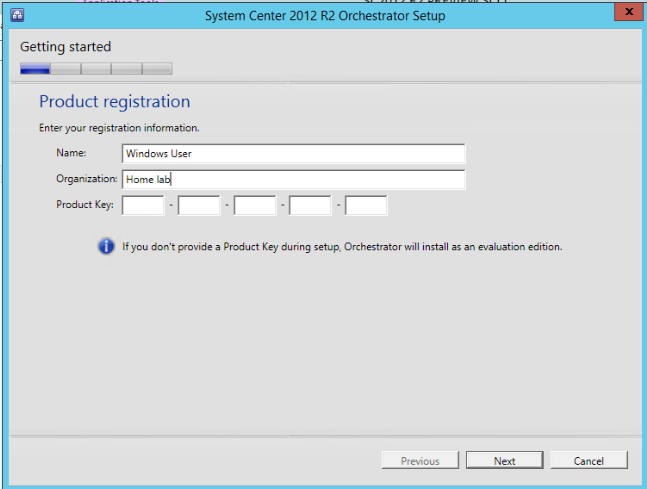
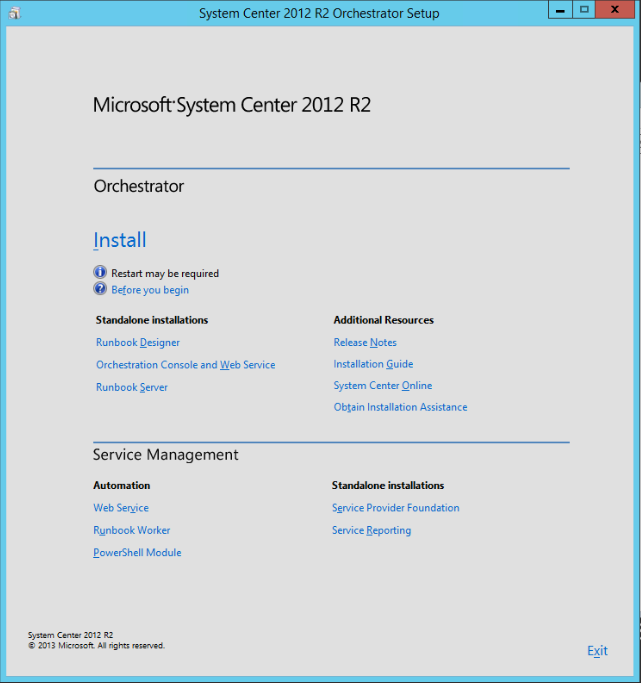
Orchestrator:

image

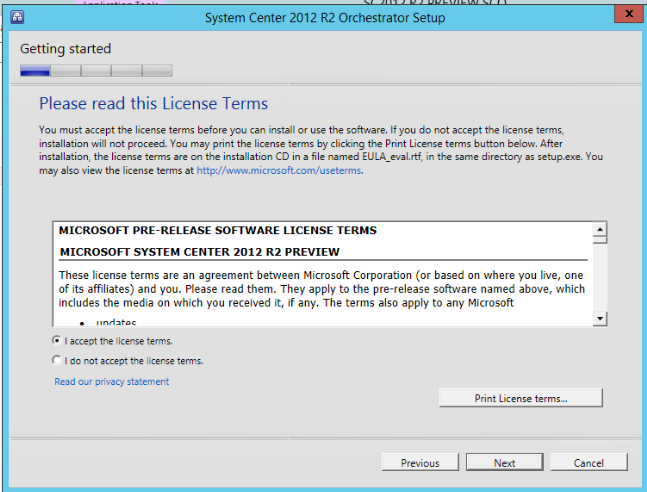
image

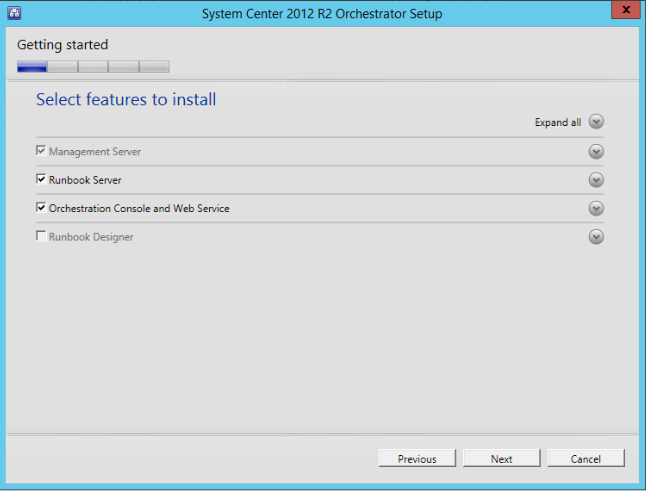
image

image

Runbook Designer I’ve already installed so that is why I cannot check it.

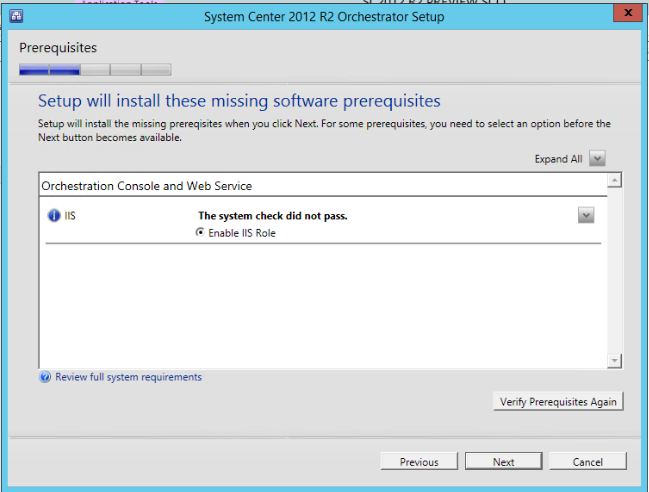
image

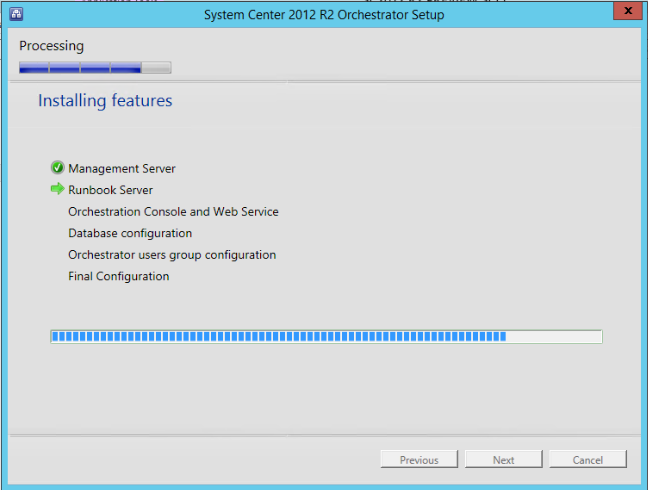
Orchestrator will enable IIS role during the installation:

image

image

image

image

image

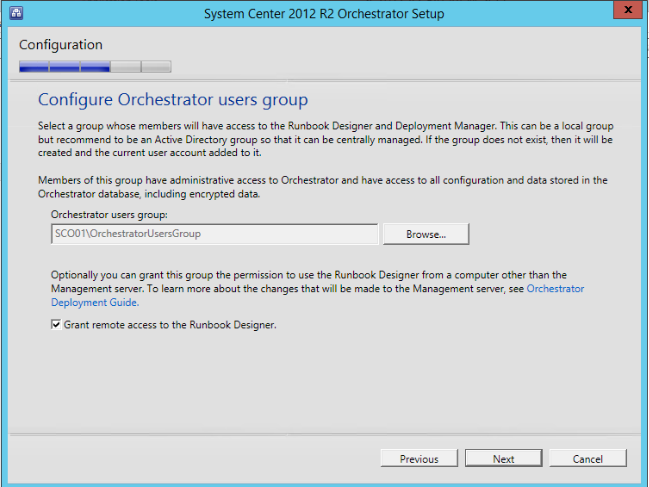
I think that option with remote access was not present before but I might be wrong.
image

image

image

image

image

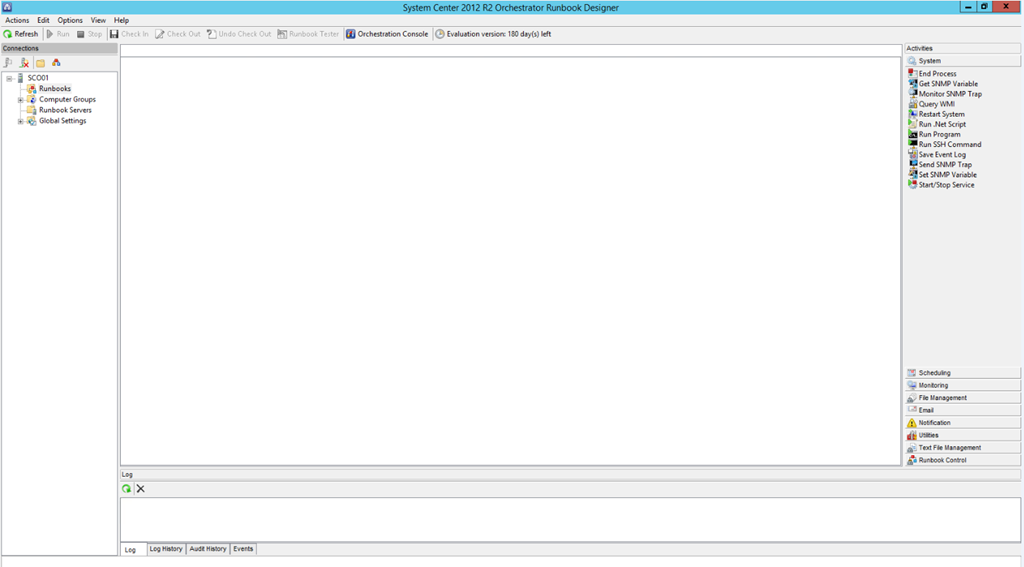
Runbook Designer can be opened without issues:

image

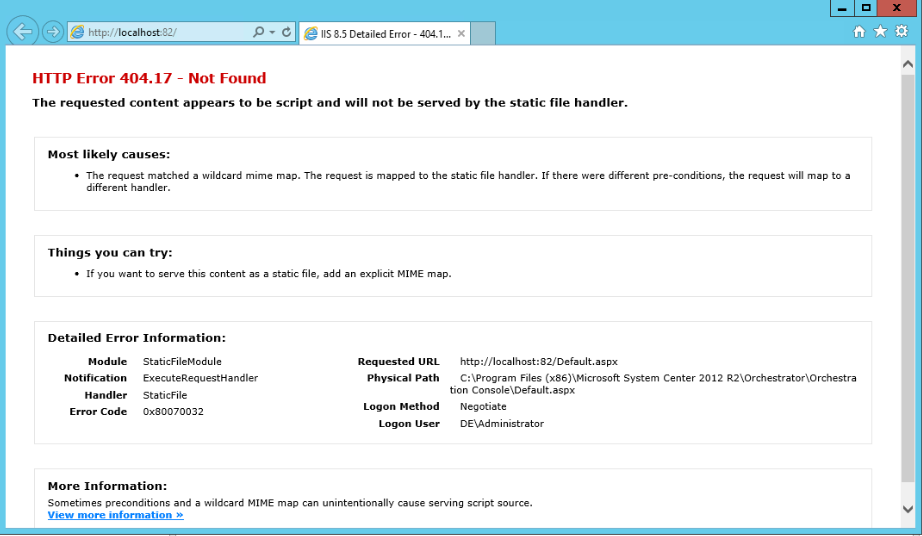
When I’ve opened the web console I’ve got an error:

image

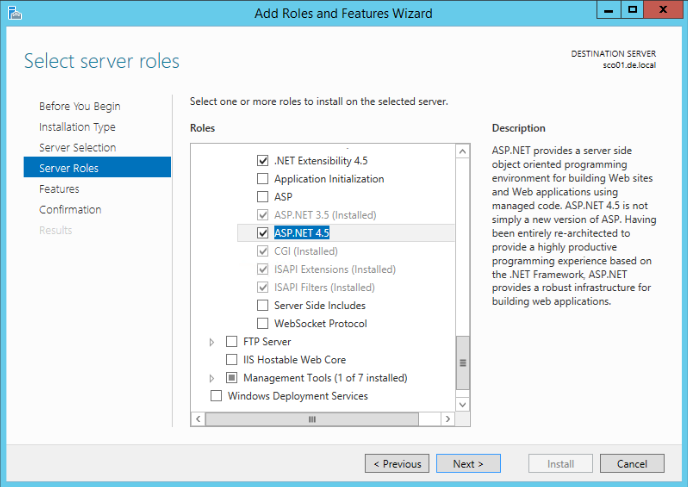
It seems the installed does not install ASP.NET 4.5 and you have to install it manually. After that the web console will be working:
image

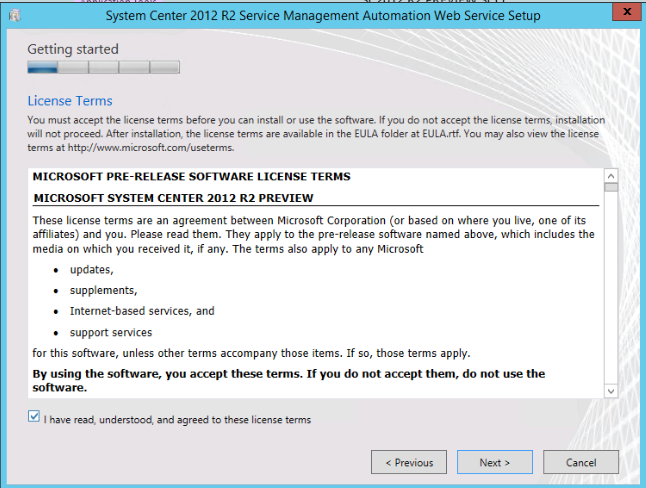
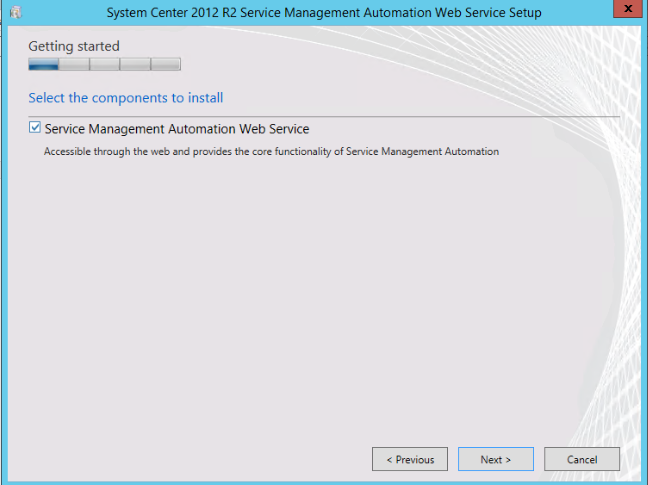
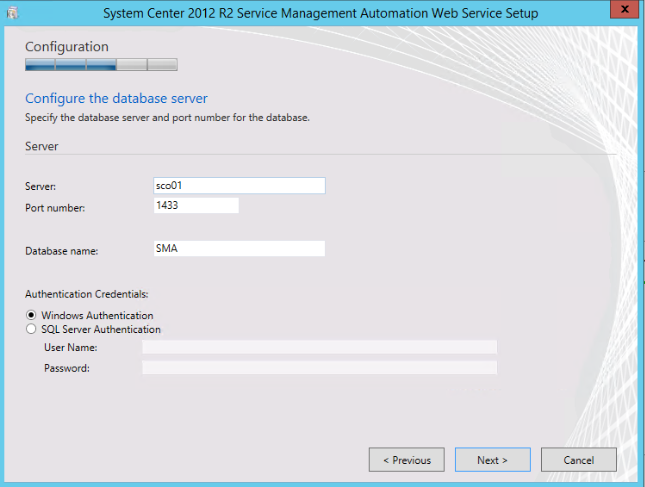
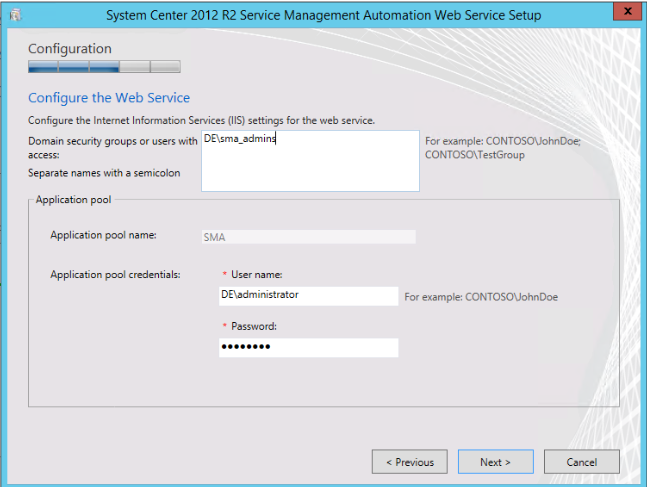
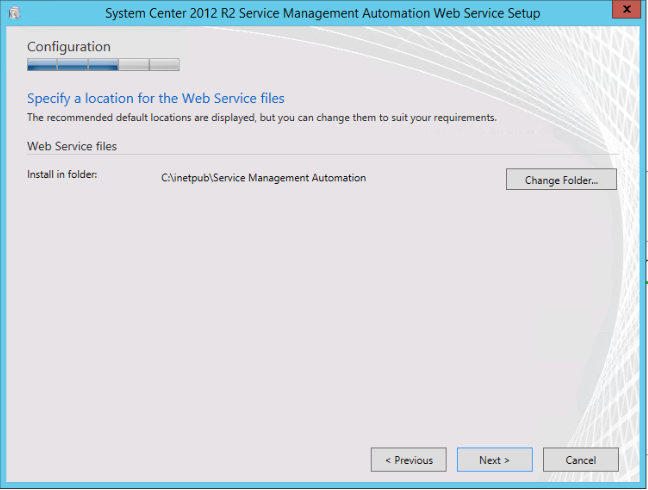
Let’s continue with Service Management Automation role which has three components. I will install them on the SCO01:

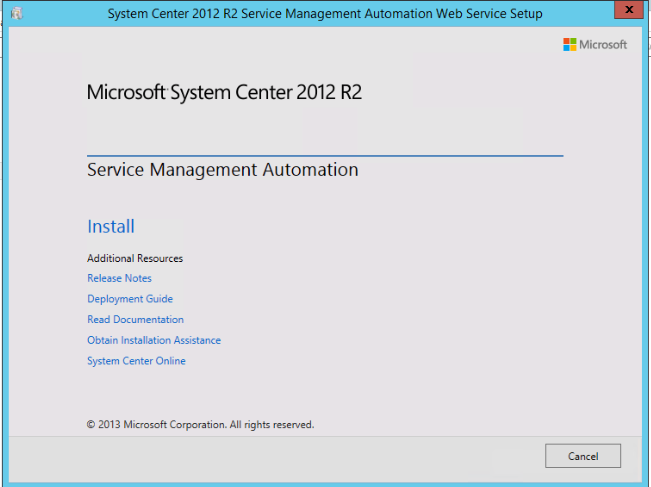
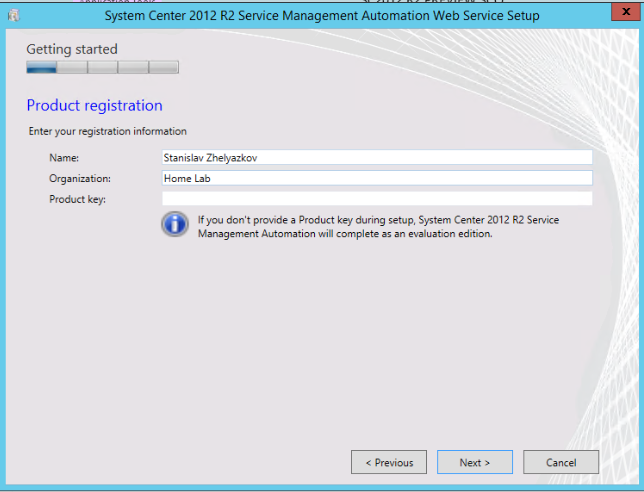
Web Service:

image

image

image

image

image

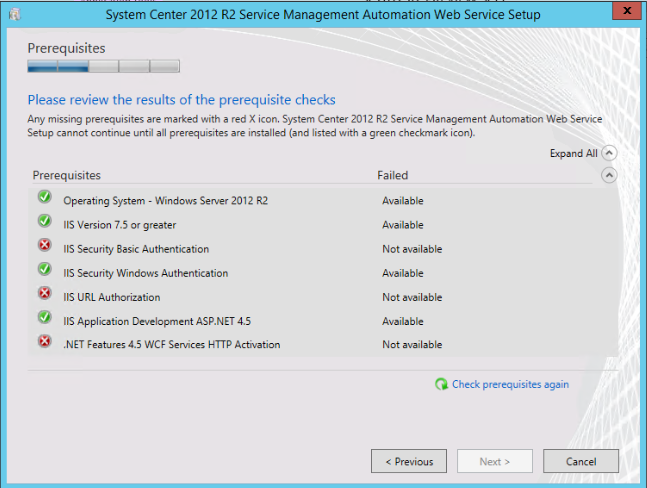
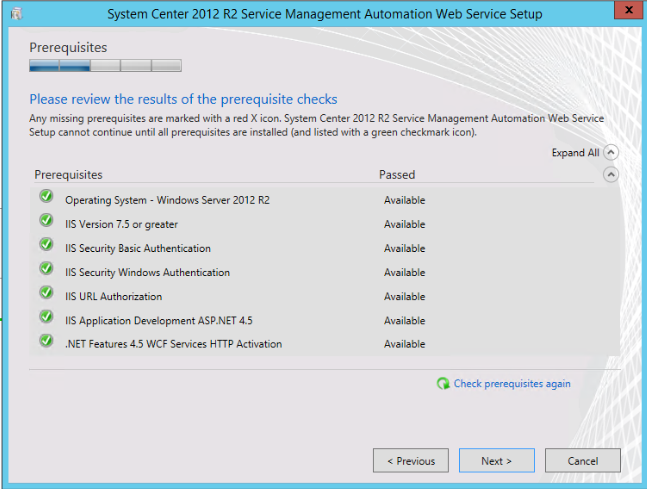
We have to install some prerequisites:

image

image

image

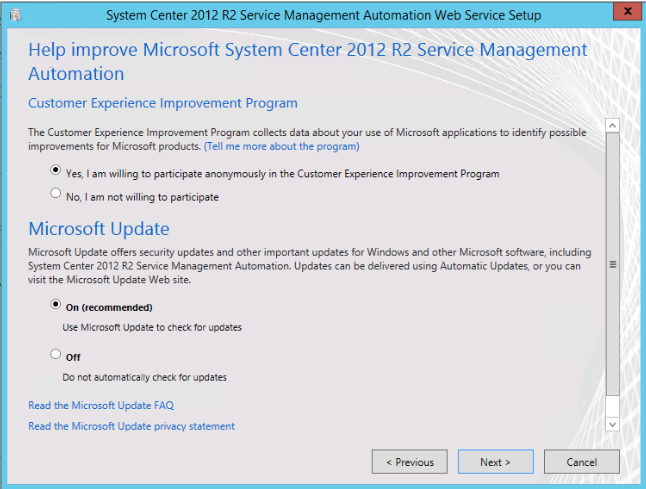
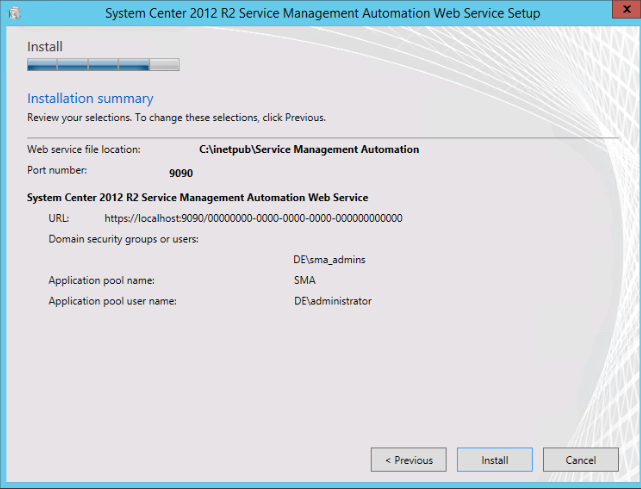
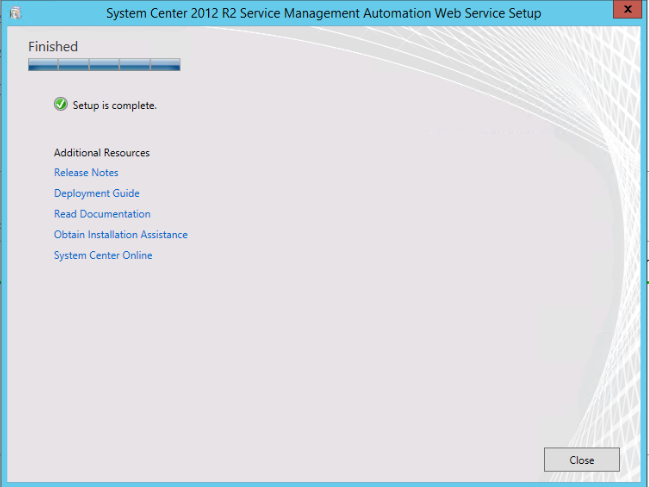
The installation experience looks like the one for Service Provider Foundation as both are web services:

image

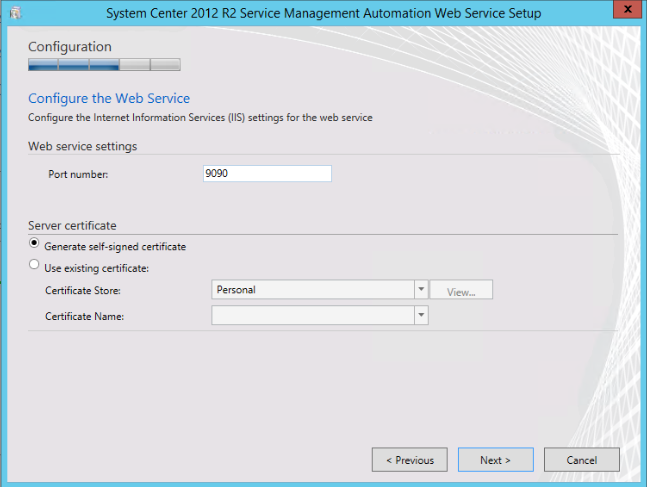
You can generate self-signed certificate without going to IIS console:

image

image

image

image

image

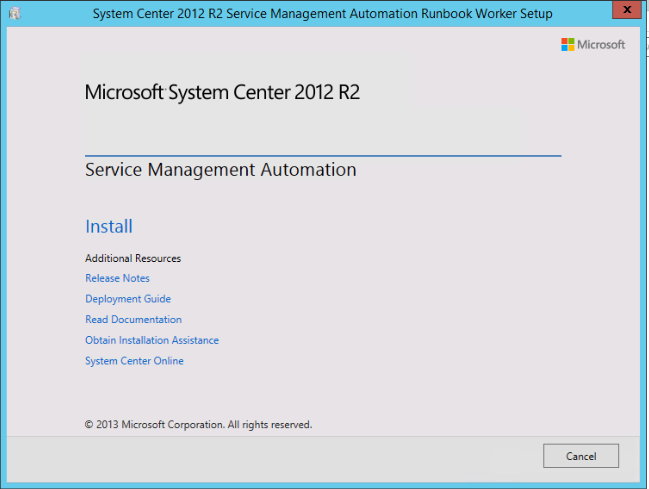
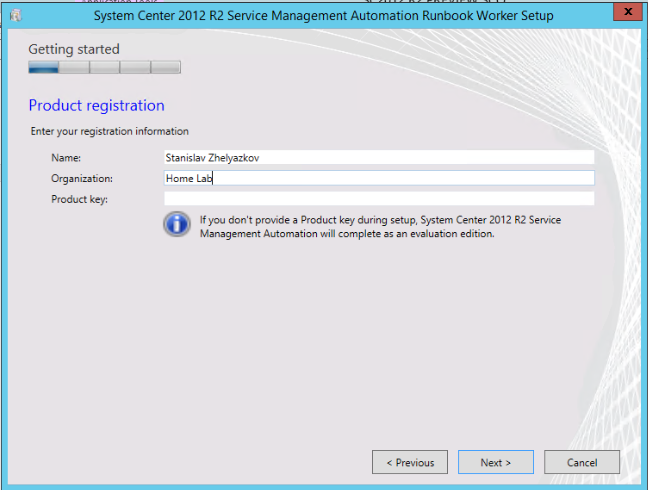
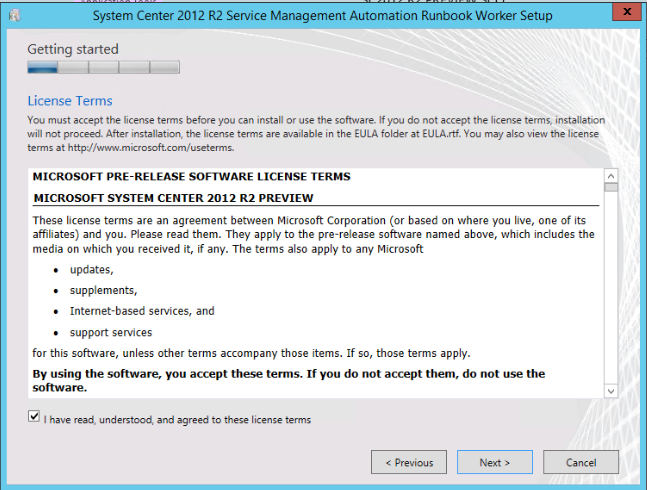
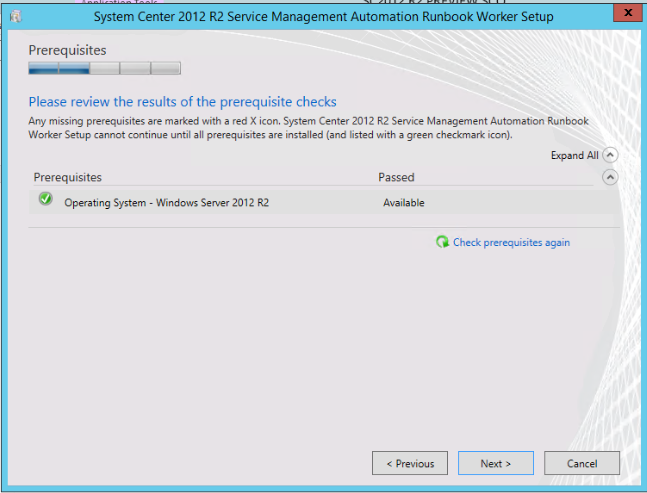
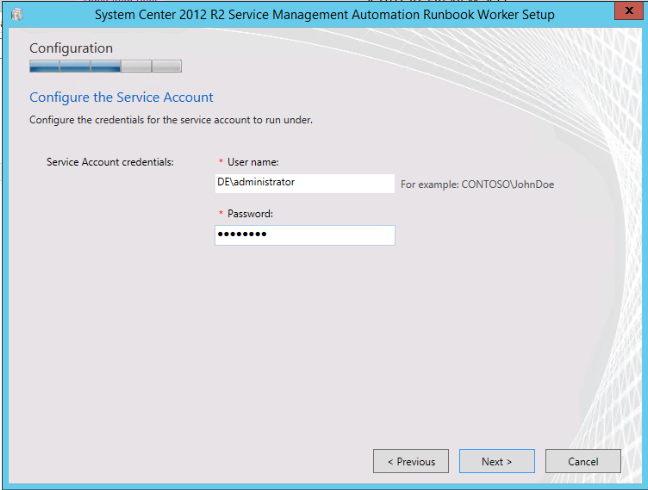
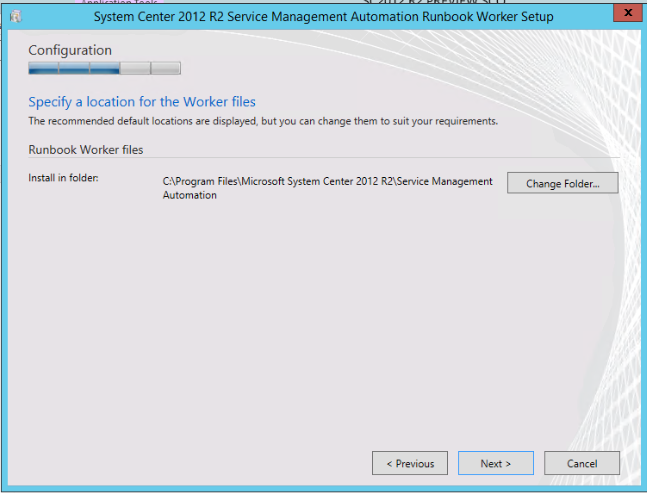
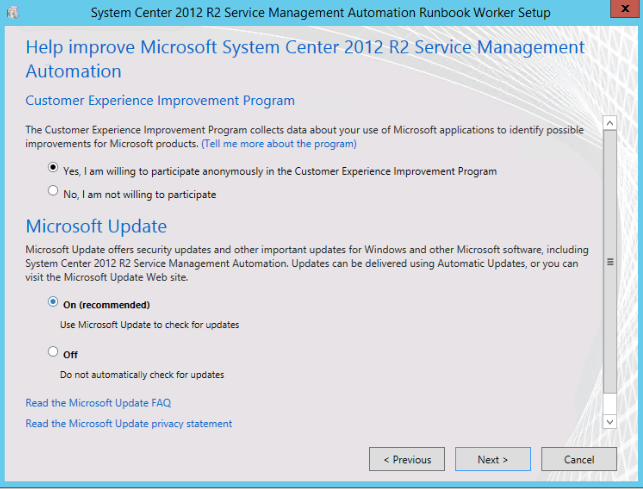
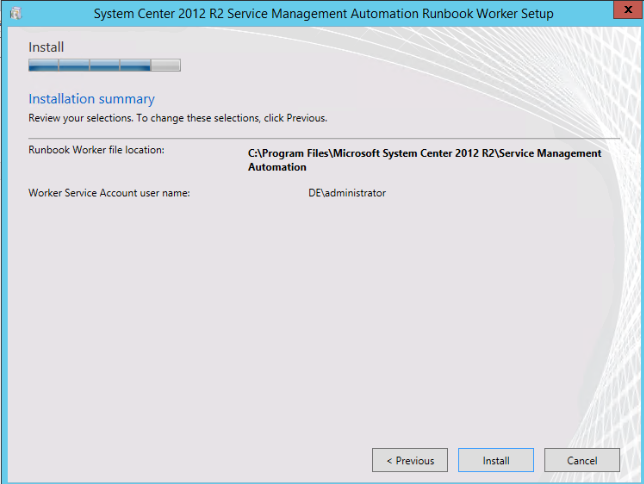
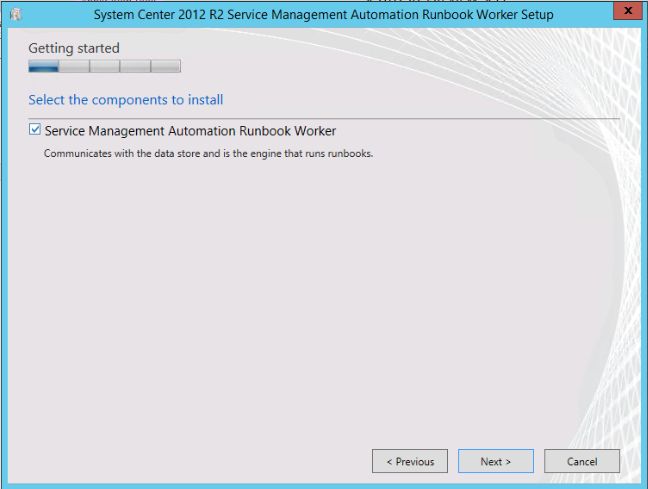
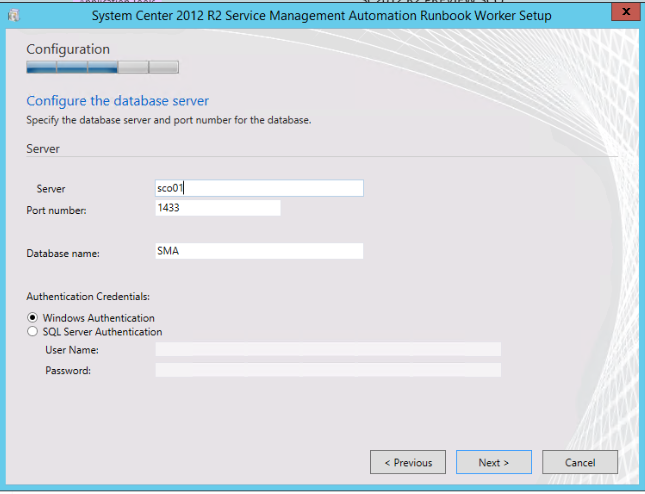
Runbook Worker:

image

image

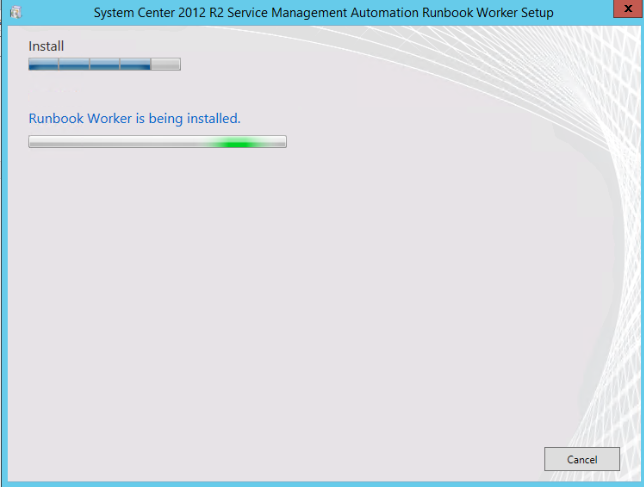
image

image

image

These new roles in Orchestrator component all require Windows Server 2012 R2

image

image

image

image

image

image

image

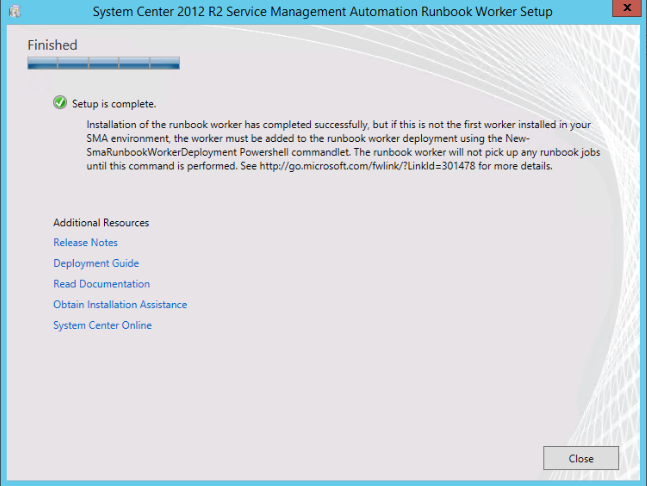
It seems additional configuration is needed after installation:

image

PowerShell Module

image

The installation of these modules goes very fast so I couldn’t capture it.

More exploration on Service Management Automation Role is needed in order to understand the architecture and the full capabilities.

System Center Orchestrator 2012 PowerShell Web Service Module

This community PowerShell module created by MVP Ryan Andorfer will give you the ability to interact with Orchestrator Web Service trough PowerShell. Here is full description from the author:

A set of PowerShell cmdlets for interacting with the System Center 2012 Orchestrator web service, complete with help documentation. Supports invoking runbooks with parameters and the parameters can have html characters! This PowerShell Library contains the following functions

Name
—-
Get-SCOEvents
Start-SCORunbook
Stop-SCOJob
Get-SCOMonitorRunbook
Get-SCORunbookServer
Get-SCOSubfolders
New-SCOWebserverURL
Get-SCOJob
Get-SCORunbook


You can download the PowerShell module from TechNet Gallery.

Operations Manager Admin Integration Pack (v1)

There is a new integration pack for Orchestrator on the horizon. It is free and developed by Russ Slaten and Anders Bengtsson. The IP covers administration tasks for OpsMgr 2012. Read more about the IP here.

Three Interesting Session about System Center 2012 SP1 from Microsoft Internal Event TechReady

Internal Microsoft information is always something interesting you would like to get a sneak peak. Microsoft is now offering this sneak peak by publishing three of their Internal Sessions at TechReady: