
Two SharePoint 2013 MPs are updated and as both have common code the fix is same for both:
- Fix report not working issue, version 15.0.4557.1000
Download SharePoint Server 2013 MP from here and SharePoint Foundation 2013 from here.
Yep you’ve heard right OpsLogix’s team is putting their forces on creating Management Pack for monitoring VMware. This blog post will not be comparison with another well known management pack for VMware. I will try to give you overview of the VMware Management Pack that OpsLogix is cooking up. Keep in mind that the MP is still in beta. Although the MP is in beta the OpsLogix’s support was not in beta. While I was testing the MP I’ve stumbled on a bug. I’ve contacted OpsLogix’s support, granted them access to my environment and after a couple of hours I’ve received a fix. Such quick fix shows the devotion of OpsLogix on supporting their products. Another reason to try this MP is that I haven’t touched vCenter since I switched to Hyper-V and System Center (somewhere around 3-4 years ago).
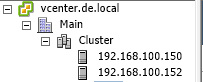
Before importing the MP let’s first see the environment where I am testing:
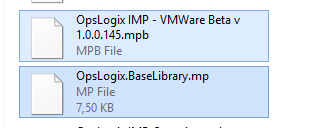
First you need to import two management packs:
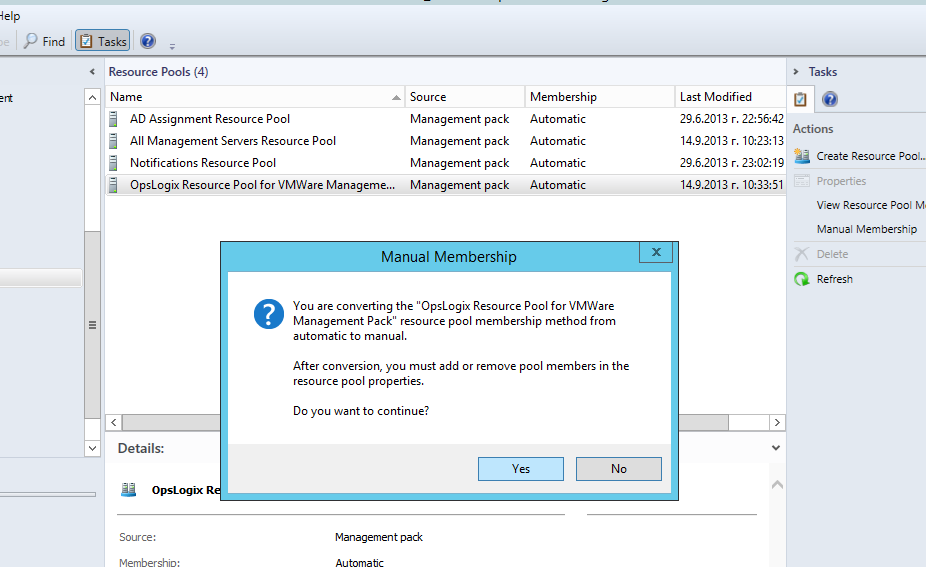
After successful import you need to configure the resource pool that the MP will use. On importing OpsLogix VMware MP creates its own a resource pool:

You need to make the pool manual and add the SCOM management servers that will be used for monitoring your VMware environment.
In my case I have only one SCOM management server but in real world environment you will have more than one and you can distribute your resources more equally:
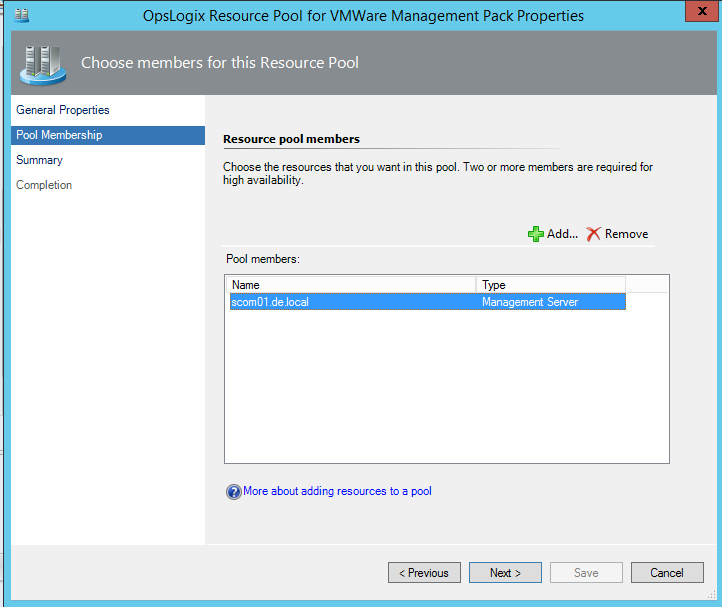
It is good that the MP is taking advantage of Resource Pools to distribute the load.
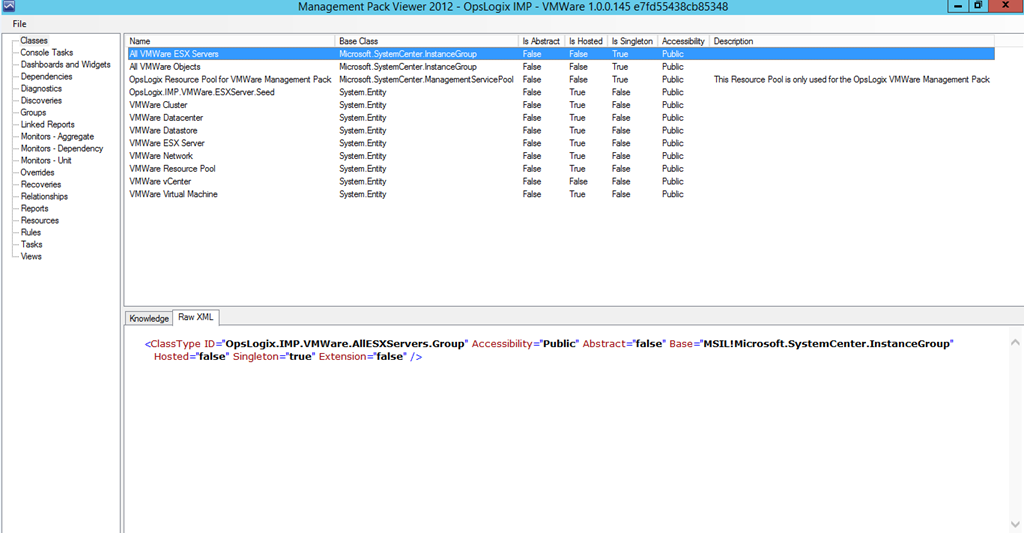
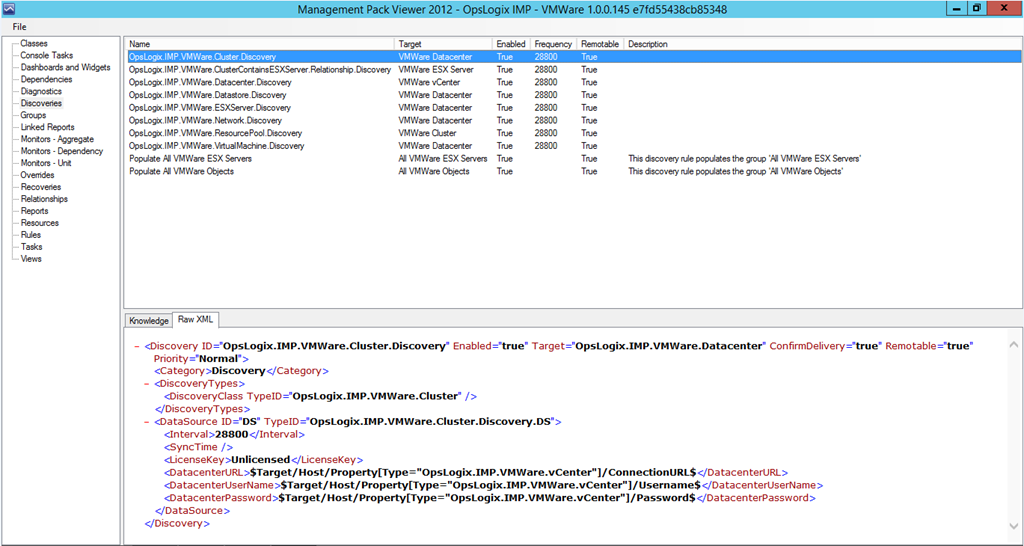
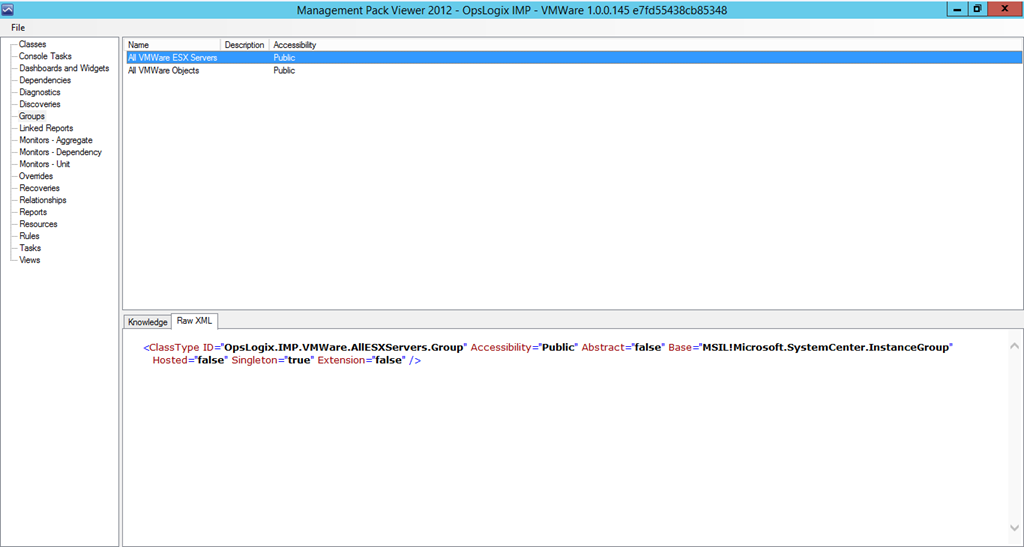
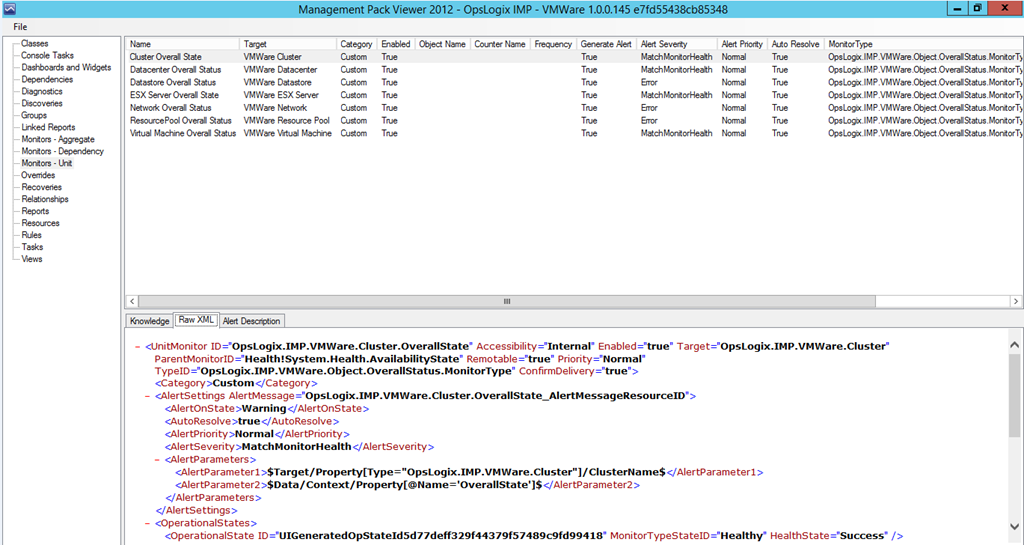
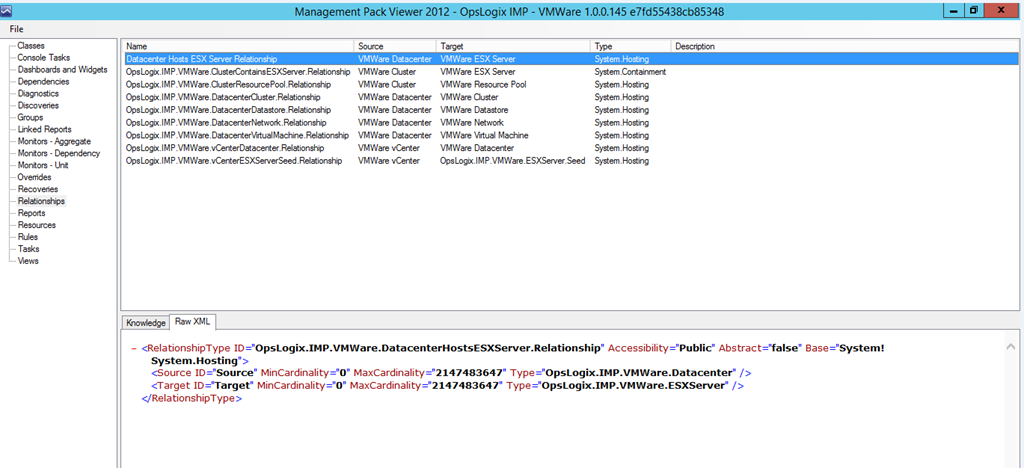
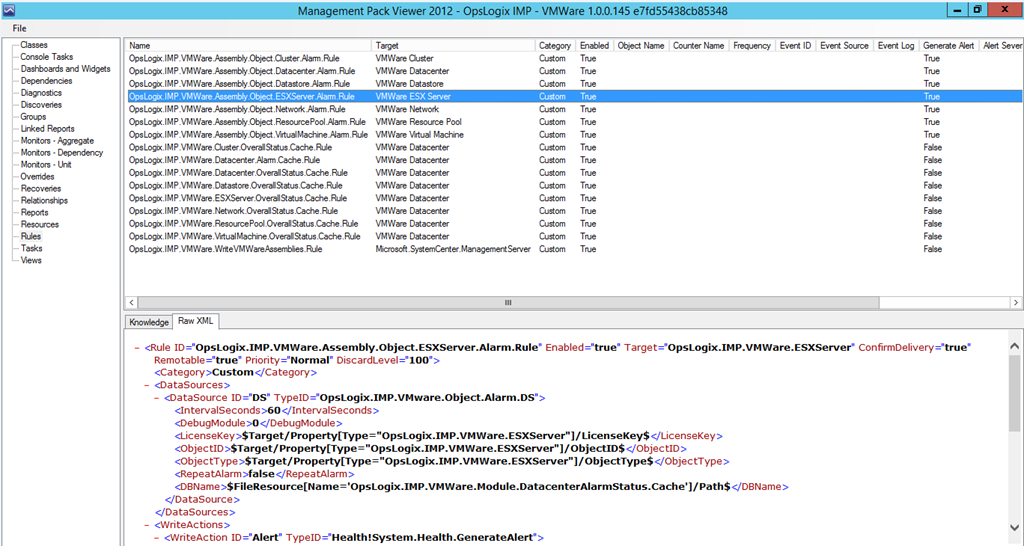
Before starting monitoring of the VMware environment let’s see with MPViewer what classes, discoveries, groups, relationships, monitors and rules are offered:
Classes
Discoveries
Groups
Monitors
Relationships:
Rules:
We will go in detail how the MP works but let’s first configure it to monitor the VMware environment.
You you will need to go to Monitoring pane -> OpsLogix –> VMWare –> VMWare IMP Configuration Dashbaord:
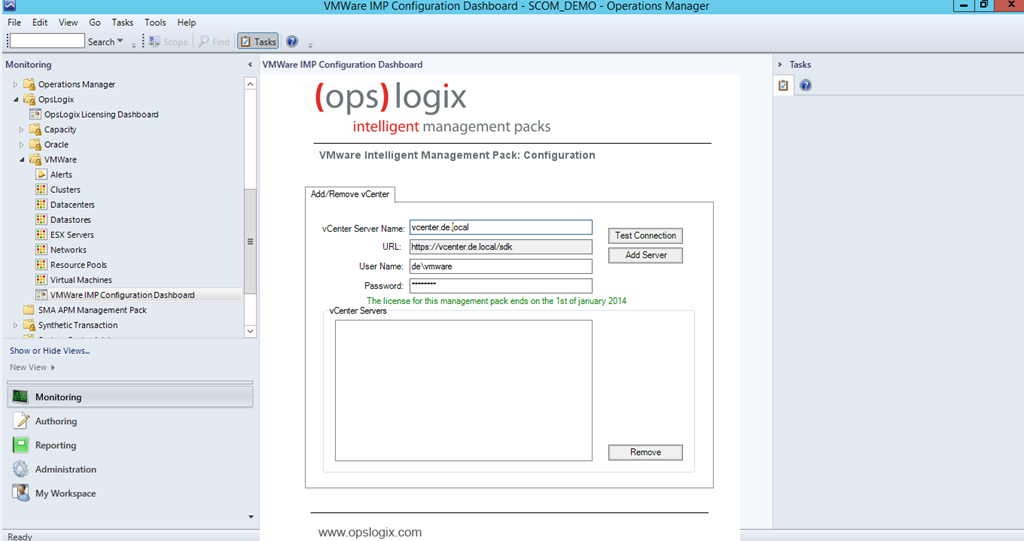
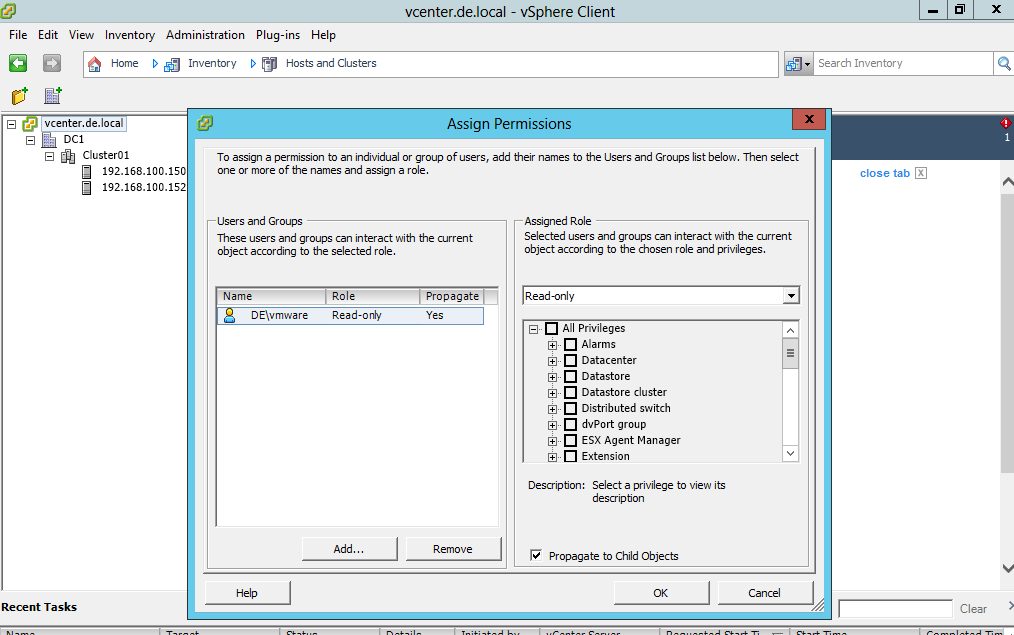
There you need to enter the name of your vCenter server and credentials. You do not need to have SCOM agent installed on that server to activate monitoring. The credentials provided can be domain account or local account on your vCenter server you just need to grant that account read-only permissions to the root of your vCenter server:
There is a button that will allow to test your connection before adding it:
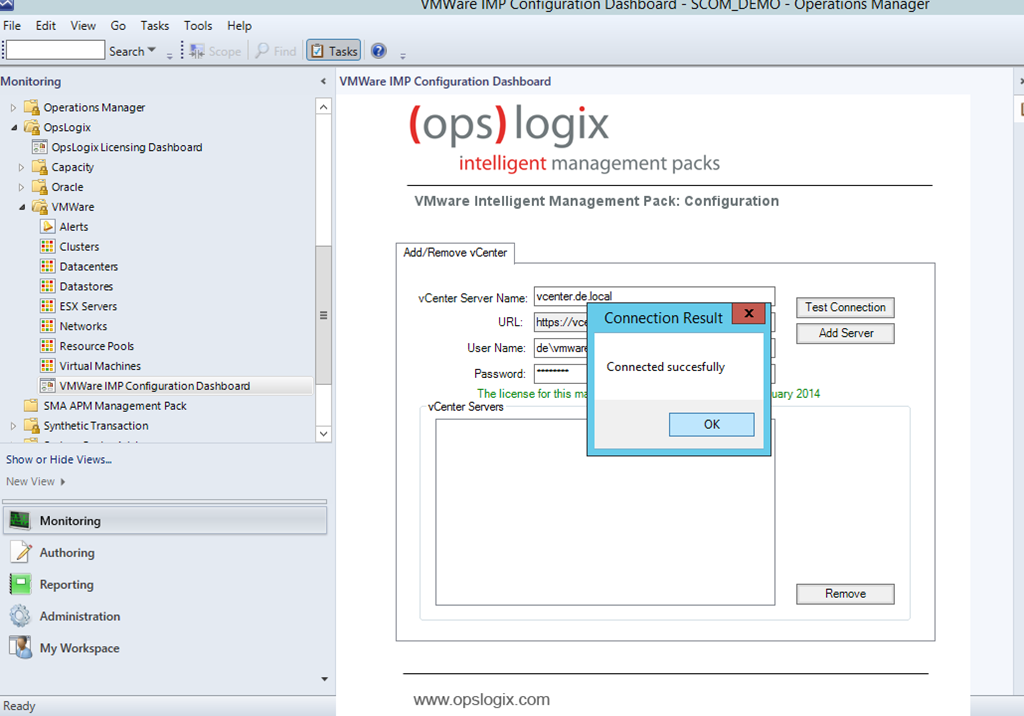
If connection is successful you a re good to go:
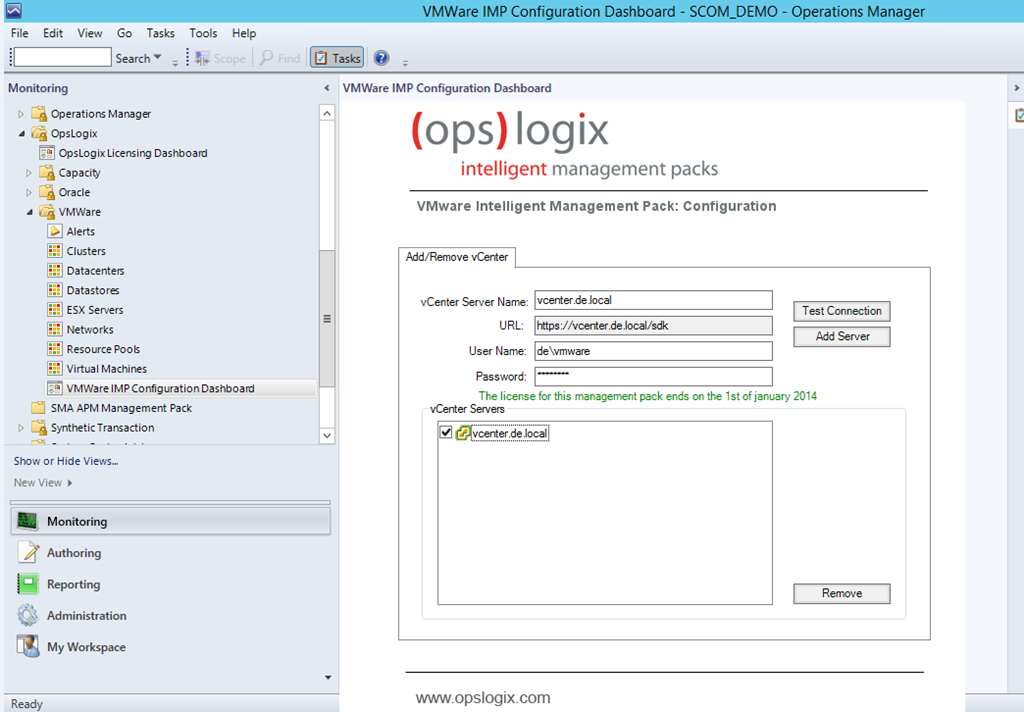
So how the MP works?
The MP connects to the vCenter web service. By connecting to it it will find all objects (datacenters,ESX servers, clusters, datastores, vmnetworks and etc.) in your vmware environment:
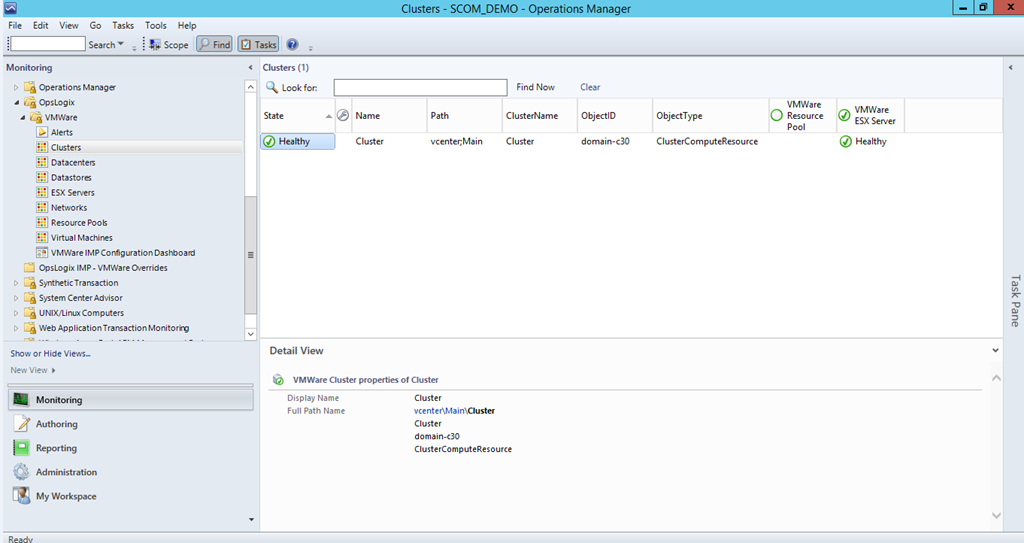
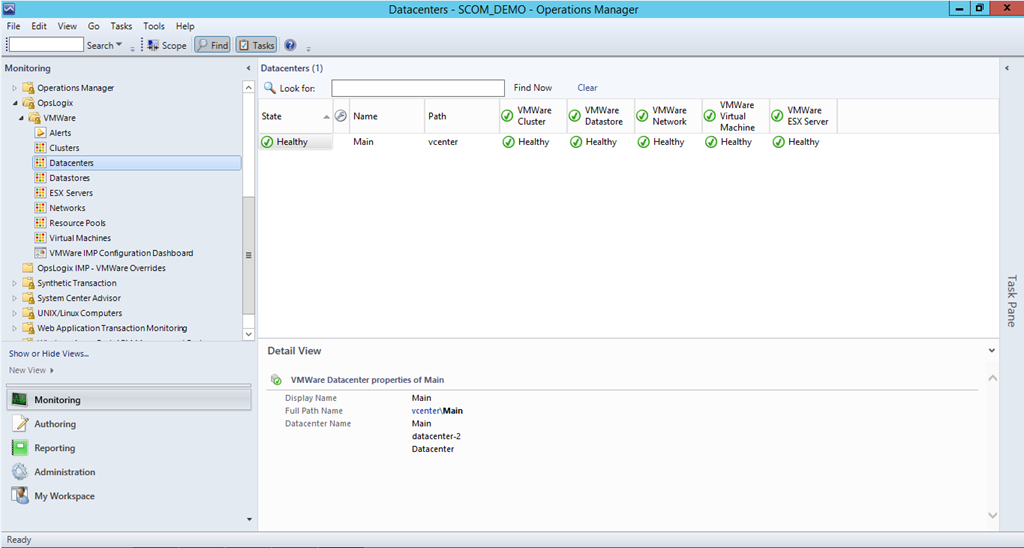
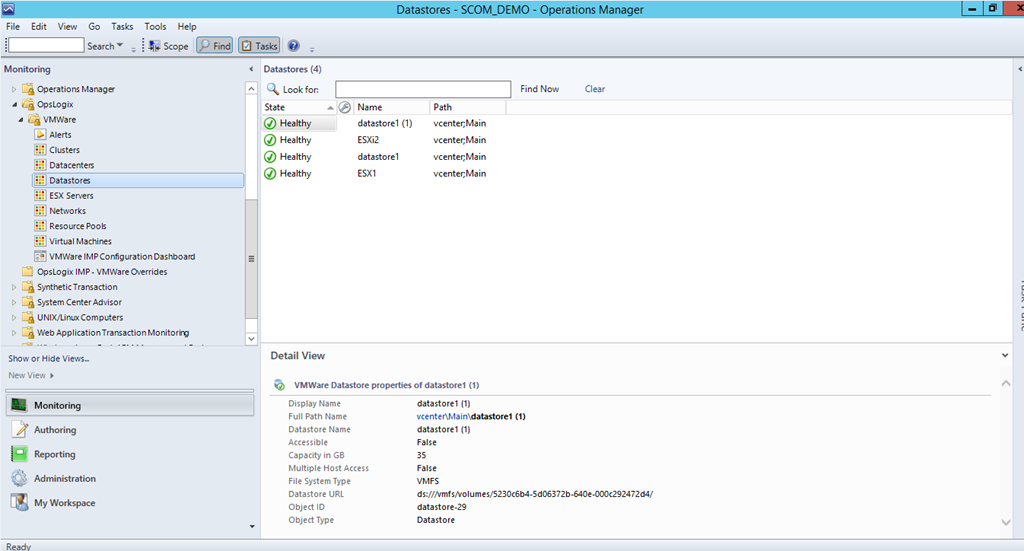
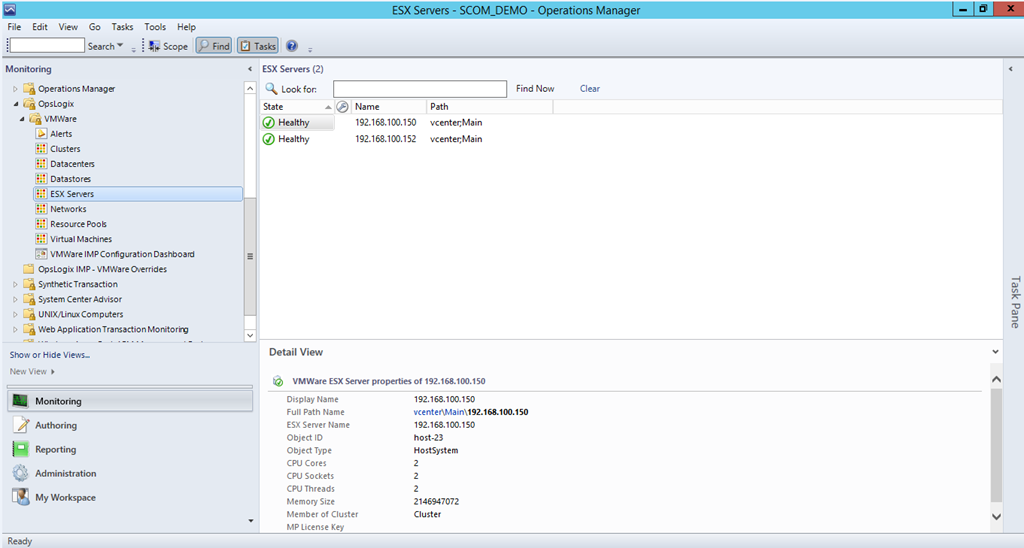
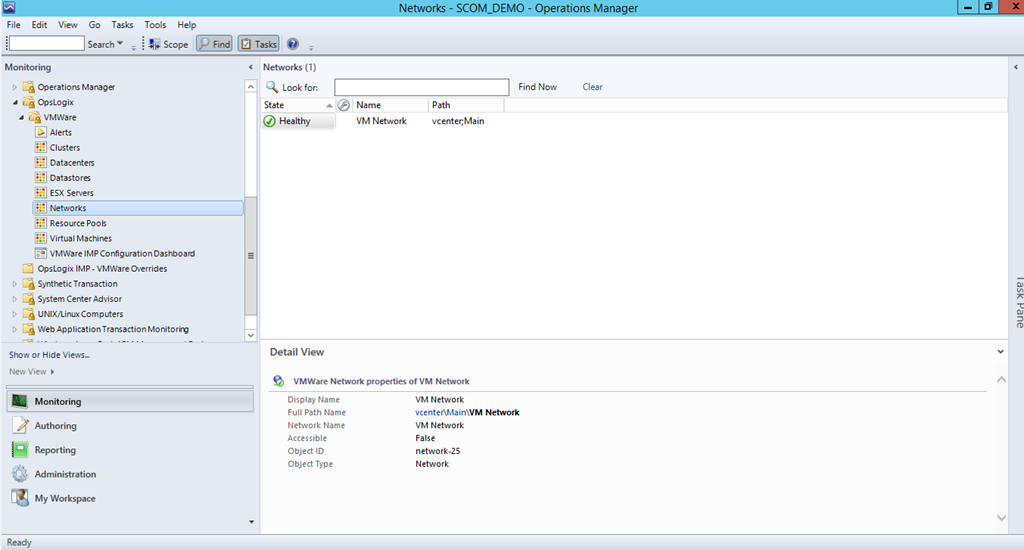
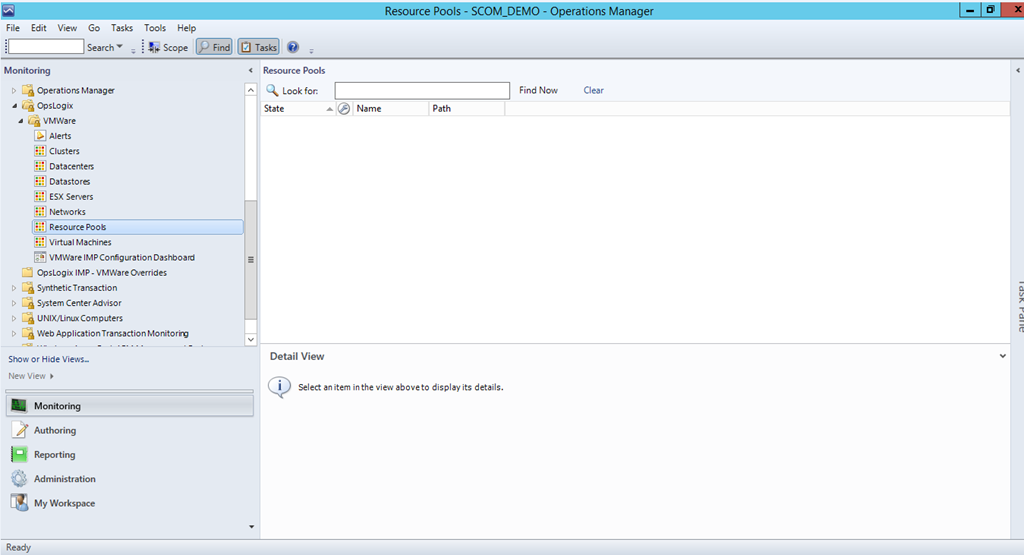
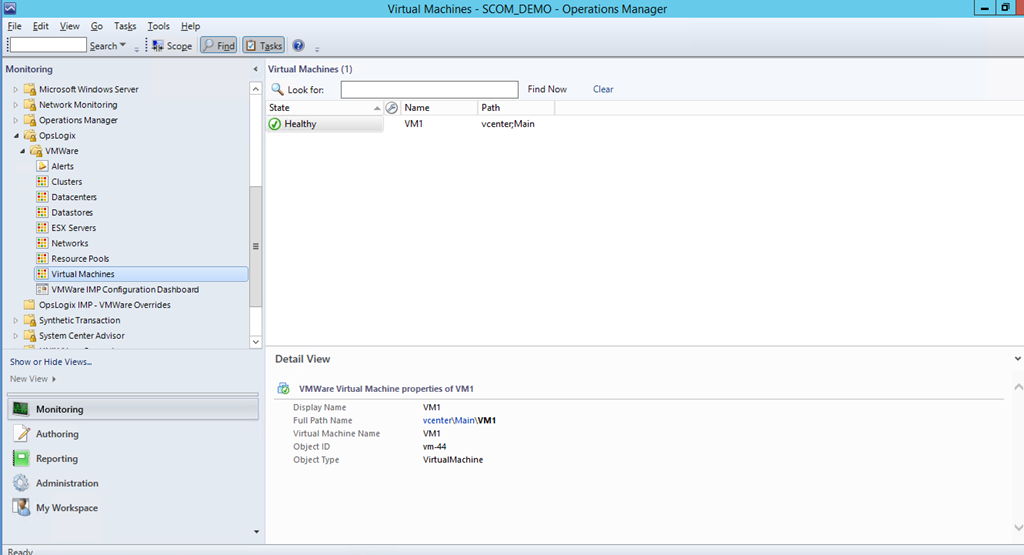
For generating alerts the MP uses the built-in functionality in vCenter to create alarms. If you create an alarm in vCenter and that alarm is triggered it will show in SCOM also.
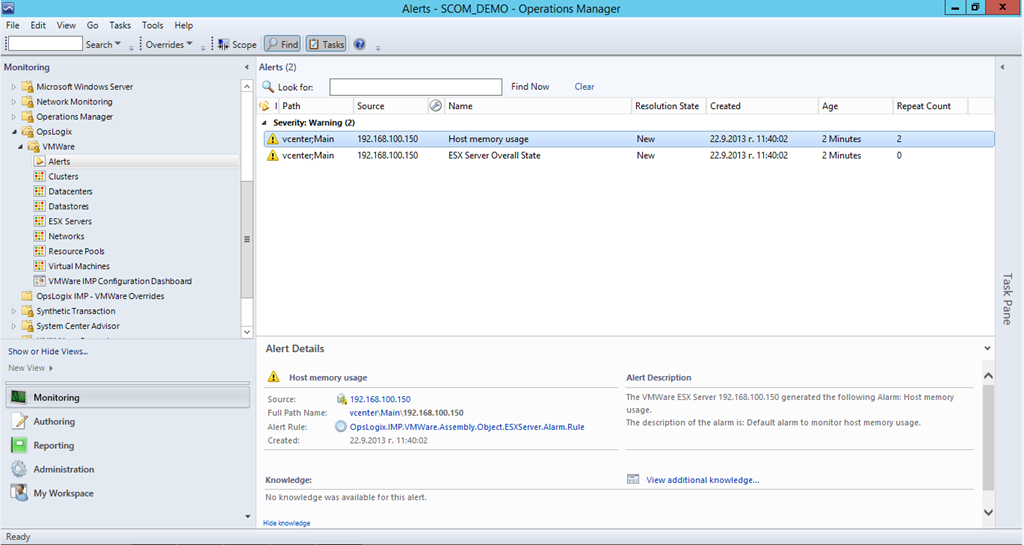
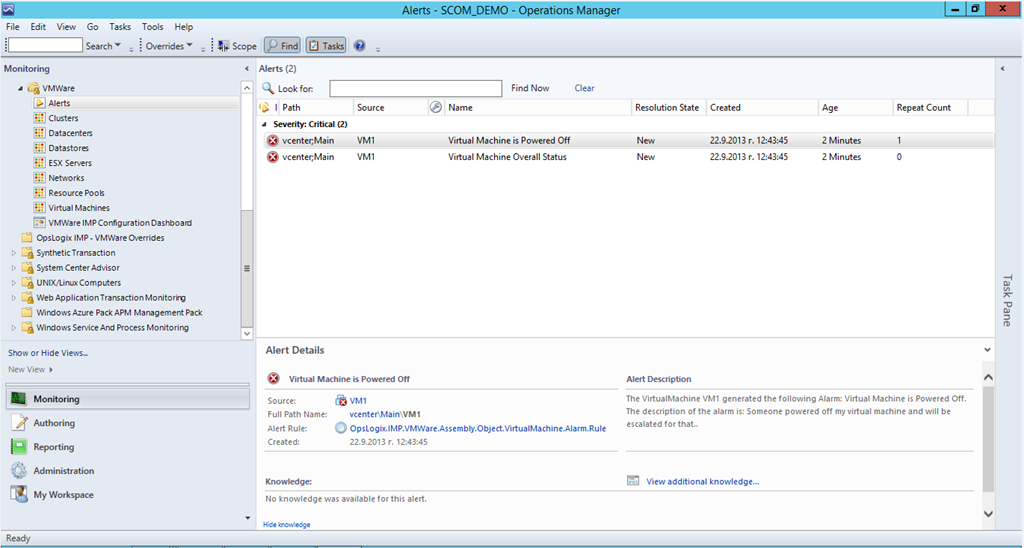
If you close an alert in SCOM that was not resolved in vCenter that alert will appear again in SCOM. Unfortunately if you close alarm in vCenter it will not be closed in SCOM. May be in some future version of the MP we will see option to enable synchronization from both side depending on your preference.
Besides the alerts the MP also tracks state of the different object. Depending on the alarms that are generated or not generated for particular object OpsLogix VMWare MP will calculate different states (healthy, warning or critical) on small intervals.
So the MP is very customizable and customizations can be made straight from vCenter which I think is the preferable way for vmware administrators and will save money from your budget if you had to teach them to do that in SCOM.
These are the capabilities of the MP from first sight but let’s see how it can provide more value by mixing it with more SCOM magic.
What about Diagram of your VMWare environment? Something what VMM MP has.
Sure that can be done you just need to create new diagram view:
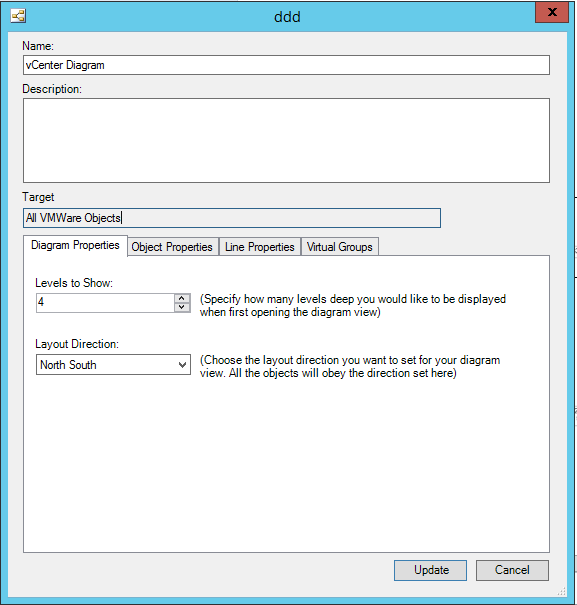
And Viola:
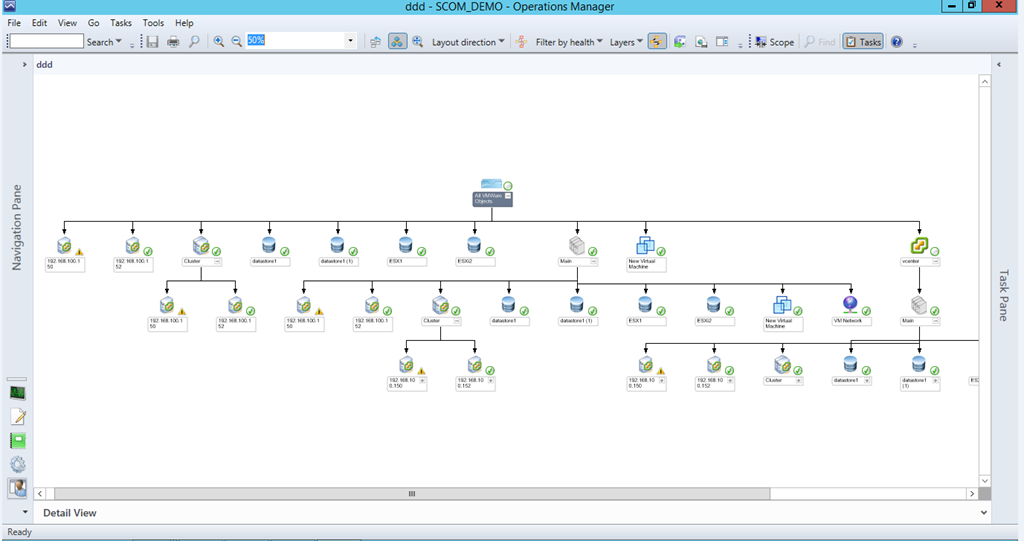
What about VMWare Dashboard? I want to track the state of my VMWare environment in a dashboard.
A few simple steps and you are ready:
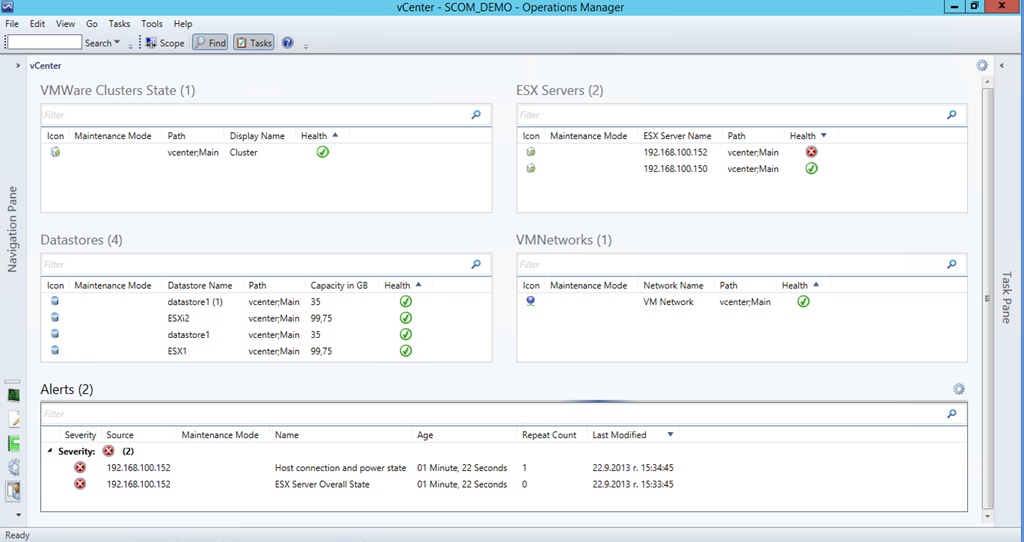
OK we’ve showed what are the capabilities of the MP now let’s show what the current beta version cannot offer otherwise it wouldn’t be a fair review. Performance alerts can be triggered trough configuring alarms in vCenter but the MP itself does not gather performance data to put it in SCOM databases. Probably because of this no report is available also. For such capabilities you have to look for solution at vCenter side.
Summary
OpsLogix VMWare MP looks promising at its first steps and it is definitely worth trying it if you consider monitoring your VMWare environment with SCOM. OpsLogix have proven that they are good at making MPs. The MP does not have price yet as it is in beta but it is advertised by OpsLogix as MP that make sense in price and performance. If you want to try it you can find more information here.
The SQL Server MP has reached version 6.4.0.0 introducing the following changes:
o Collect DB Active Connections count
o Collect DB Active Requests count
o Collect DB Active Sessions count
o Collect DB Active Transactions count
o Collect DB Engine Thread count
o Thread Count monitor
o Transaction Log Free Space (%) monitor
o Transaction Log Free Space (%) collection
o Collect DB Engine CPU Utilization (%)
o CPU Utilization (%) monitor for DB engine
o Buffer Cache Hit Ratio monitor
o Collect DB Engine Page Life Expectancy (s)
o Page Life Expectancy monitor
o Collect DB Disk Read Latency (ms)
o Collect DB Disk Write Latency (ms)
o Disk Read Latency monitor
o Disk Write Latency monitor
o Collect DB Transactions per second count
o Collect DB Engine Average Wait Time (ms)
o Average Wait Time monitor
o Collect DB Engine Stolen Server Memory (MB)
o Stolen Server Memory monitor
o Collect DB Allocated Free Space (MB)
o Collect DB Used Space (MB)
o Collect DB Disk Free Space (MB)
o SQL Re-Compilation monitor
The information is taken directly from the guide. It seems changes in the MP are a lot especially the SQL dashboard that was waited since it was shown at MMS 2013 earlier this year. Grab the latest version from here and start implementing it first on your test and development environments.
It seems the latest version of Microsoft Host Integration Server now has MP. The MP is supported on SCOM 2007 R2 and 2012. Before downloading it from here and importing it I suggest to read the guide as there are some instructions on configuring it.
A new version of this MP Unix/Linux MP for SCOM is available here. The version includes agents with version 1.4.1.278.
 Cloud Administrator in Azure World